A wellness app that turns big goals into daily missions

Overview
People set big health goals, then drop them a few weeks in.
Vita is a concept app for exactly that moment. Its AI assistant breaks a big goal into one small mission a day.
So my role was to design it end to end: onboarding, the daily loop, the AI assistant and the components behind it.
Facts
- Role
- Product Designer
- Timeline
- 2025
- Collaborators
- Solo
- Type
- Concept case
- Delivered
- UX, UI, AI assistant
Research
I mapped what people repeat every day, then split it into what they plan and what they hand over.
Planning moved to the assistant. Everything else traces back to three needs: a plan that fits today, progress you can see, and an easy way back after a missed day.
Why do people quit? Five whys, from what they do to why.
- Symptom
- People quit after a few days
- Why 1
- Goals don’t turn into habits
- Why 2
- There’s no clear next step for today
- Why 3
- Starting takes too much effort and choice
- Why 4
- A missed day feels like failure
- Why 5
- Progress and rewards feel weak
Root cause
There’s no daily loop to repeat: cue, action, reward, repeat.
- A plan that fits today
- Progress you can see
- An easy way back after a missed day
- Missed day
- Recovery prompt
- Easy missionA smaller mission, not a reset. The streak and goal stay alive.
- Complete + reward
- Back to the goal
- A smaller mission, not a reset. The streak and goal stay alive.
Key finding
Split the goal, not the person.

- Goal in, plan out. A typed goal comes back as a named 8-week plan.
- Split into daily steps. Each step is small enough to finish today.
Live demo
One tap updates the whole day: the mission, the points, the ring and the streak.

- Core idea
- Supports it
- Detail
- A ring for every day. It fills as missions get done. A flame marks a streak day.
- Vita AI, one tap away. Change today’s plan without leaving home.
- Tick to complete. Points, ring and streak update at once.
Screens
Here are the key flows: four questions, a plan, and progress you see every day.
Every day asks for one clear action, and nothing more.
A missed day restarts gently, without guilt.

- Today comes first. Home opens on today’s mission, not a feed to browse.
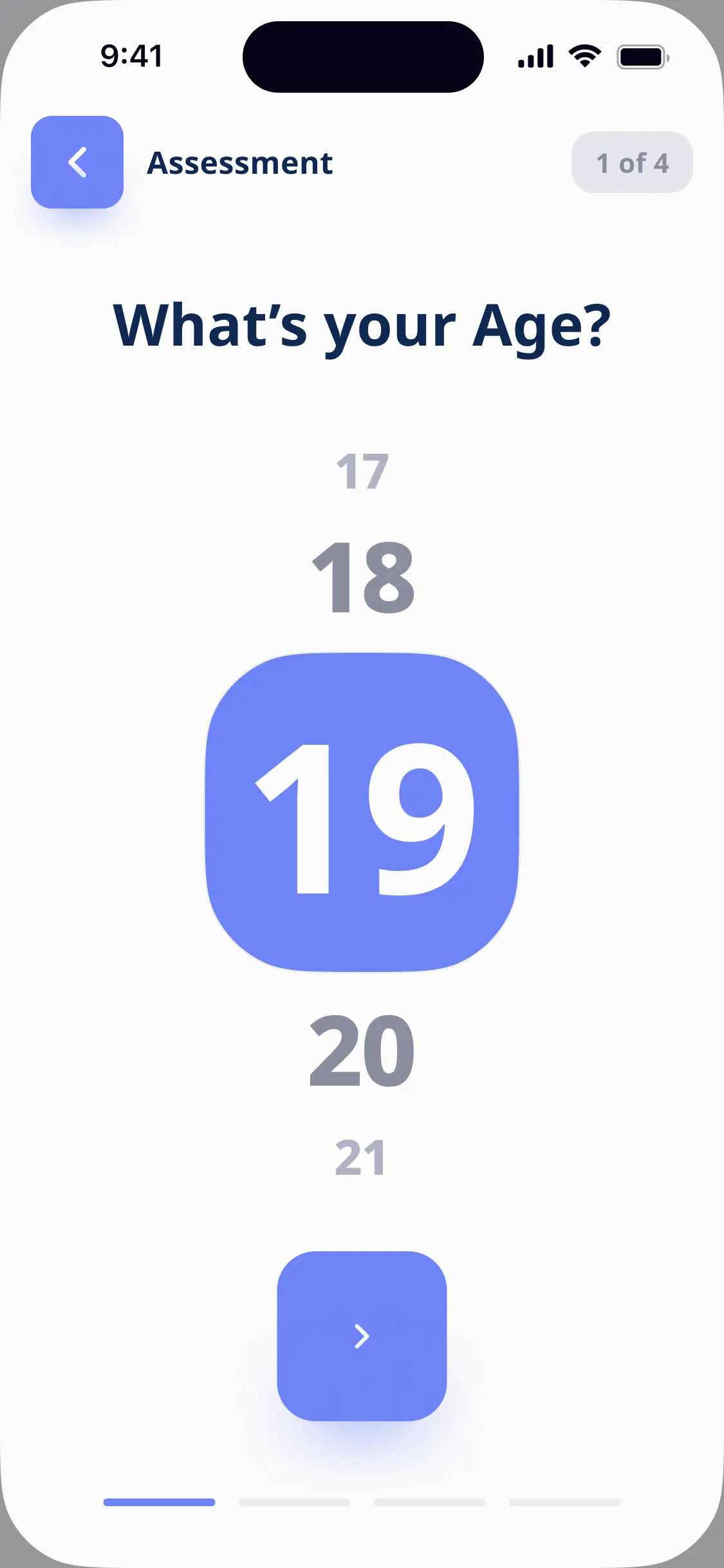
01 Age
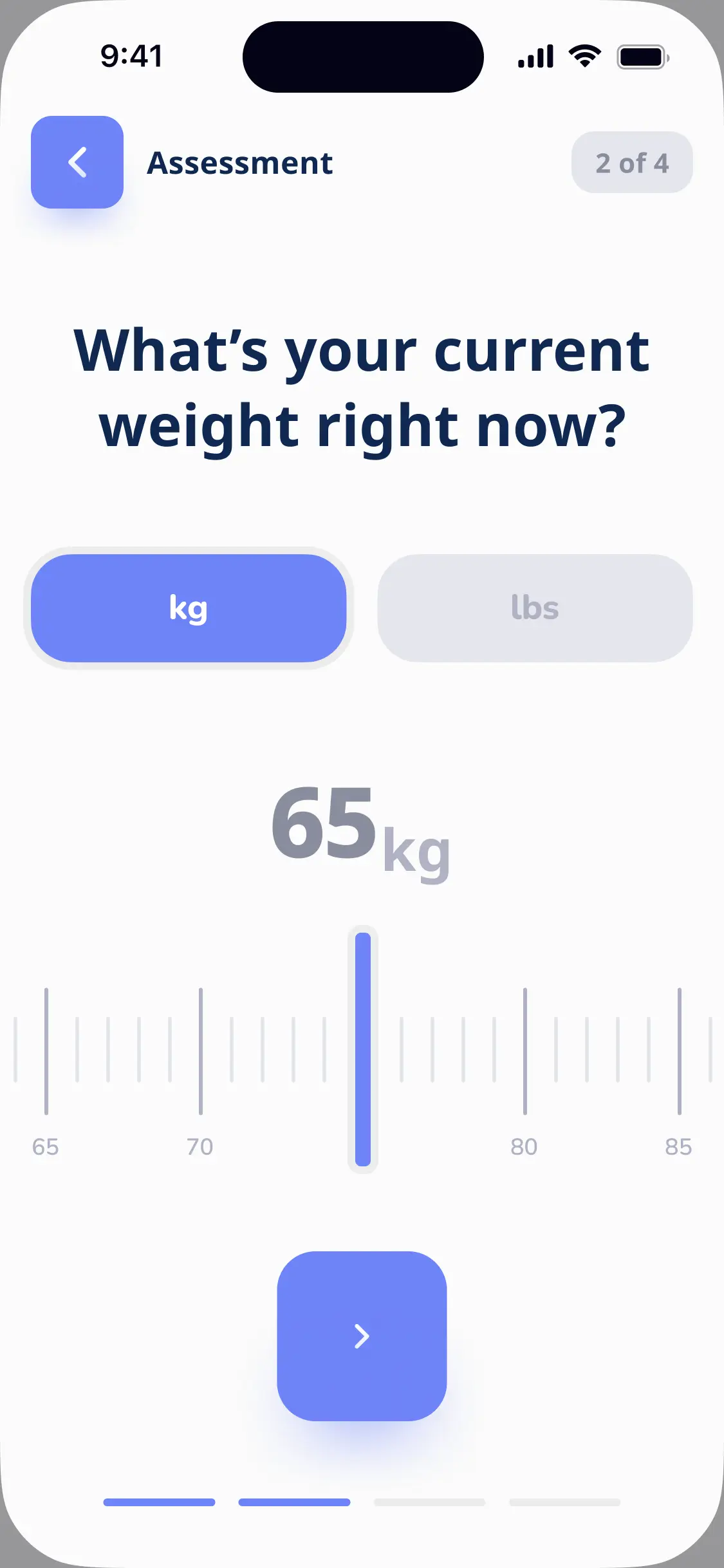
02 Weight
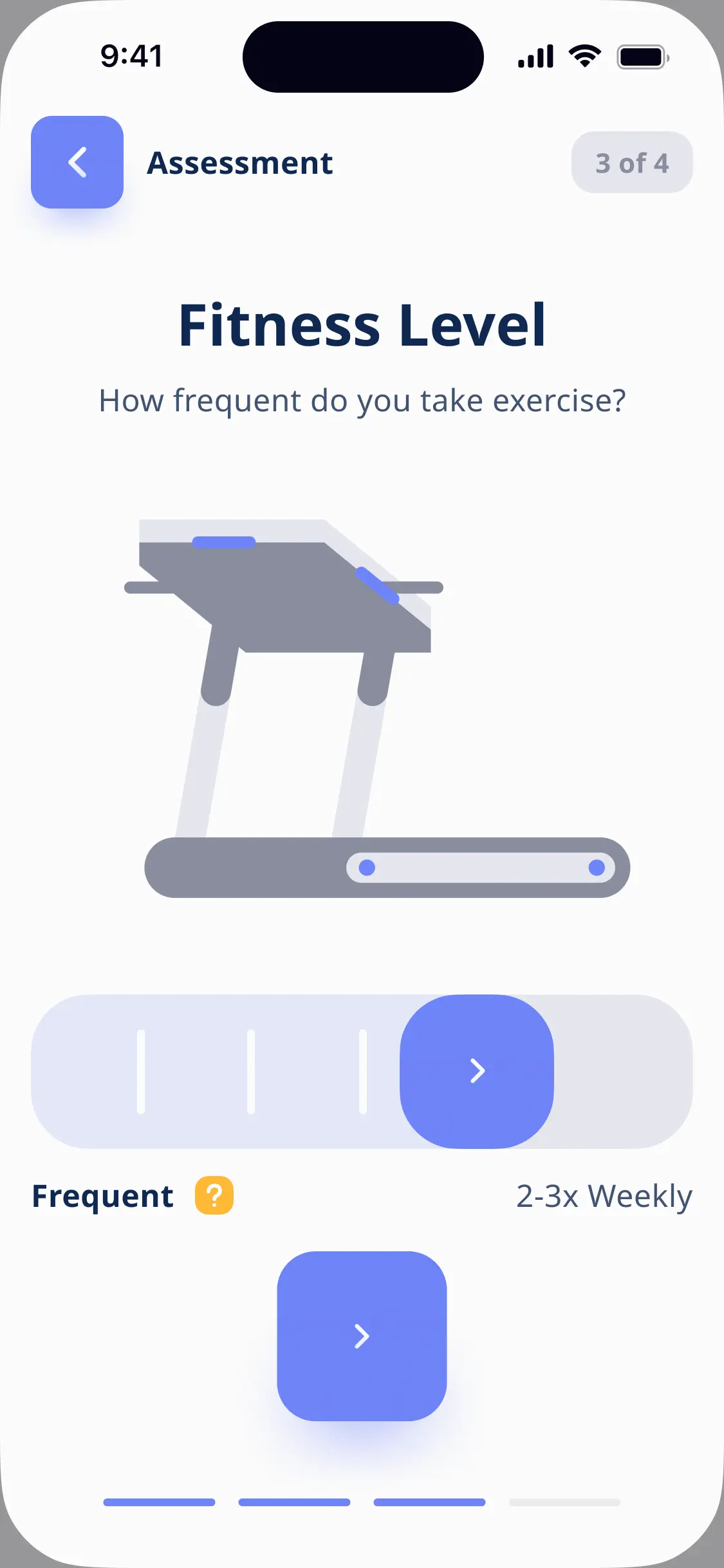
03 Activity
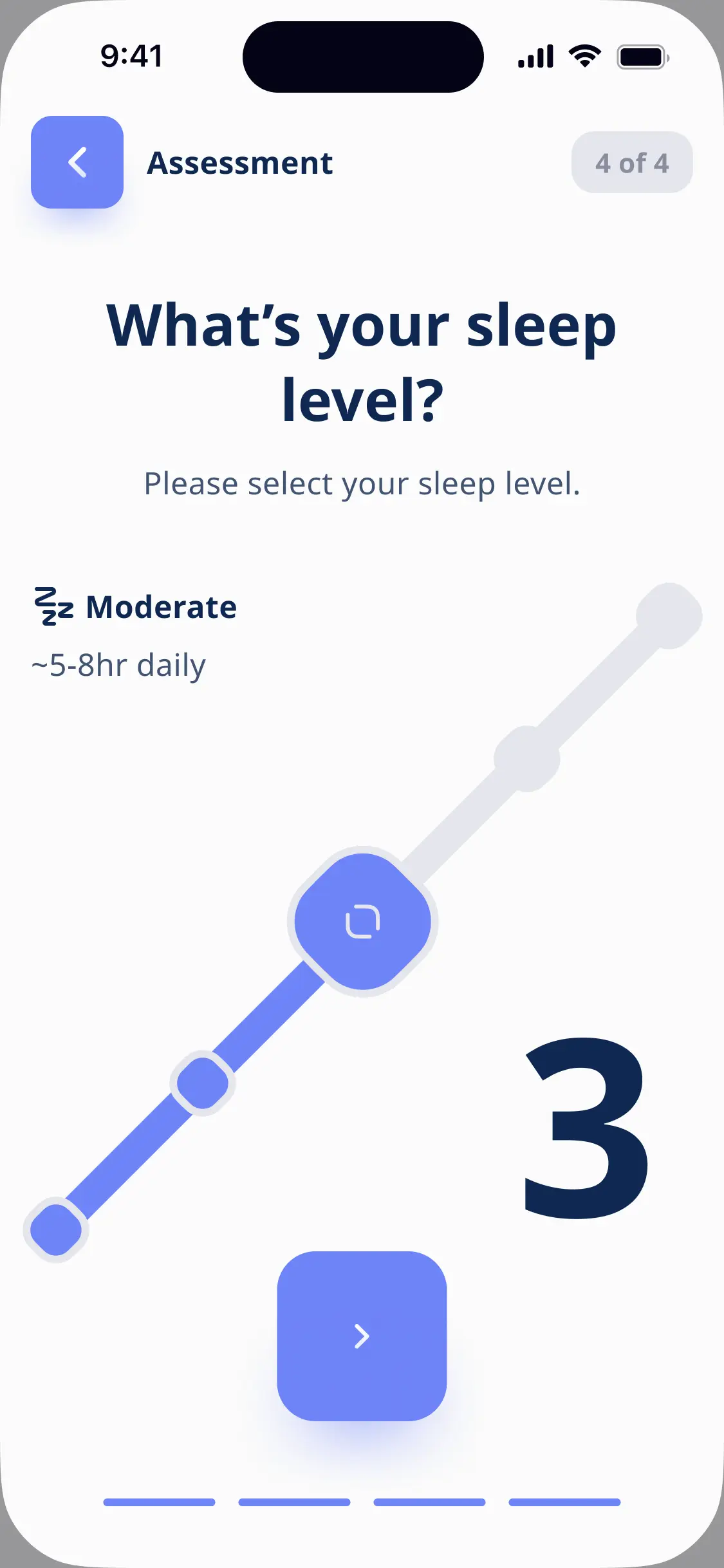
04 Sleep


- Four questions, counted. Setup shows how short it is before it starts.
- One question per screen. A big wheel to thumb through, no typing.
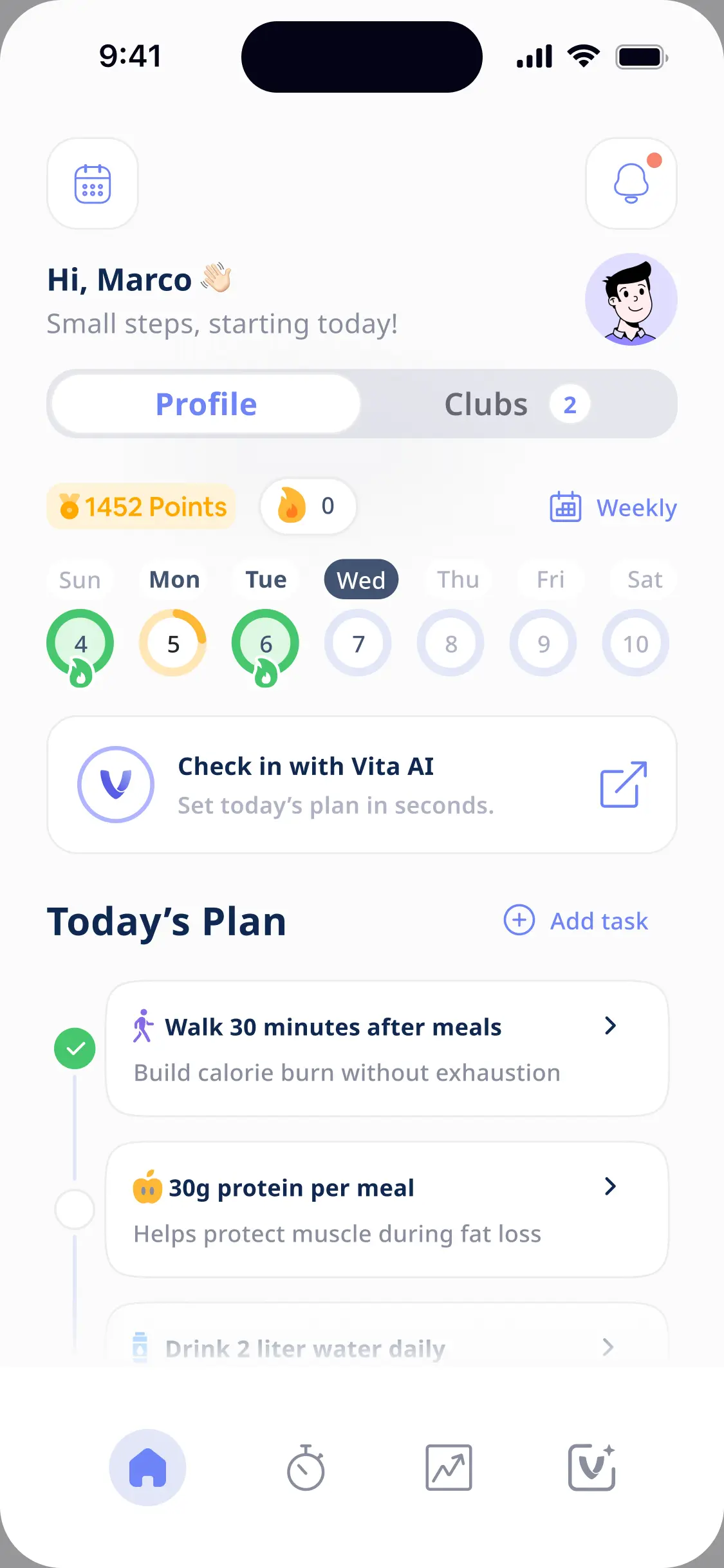
01 Today’s plan
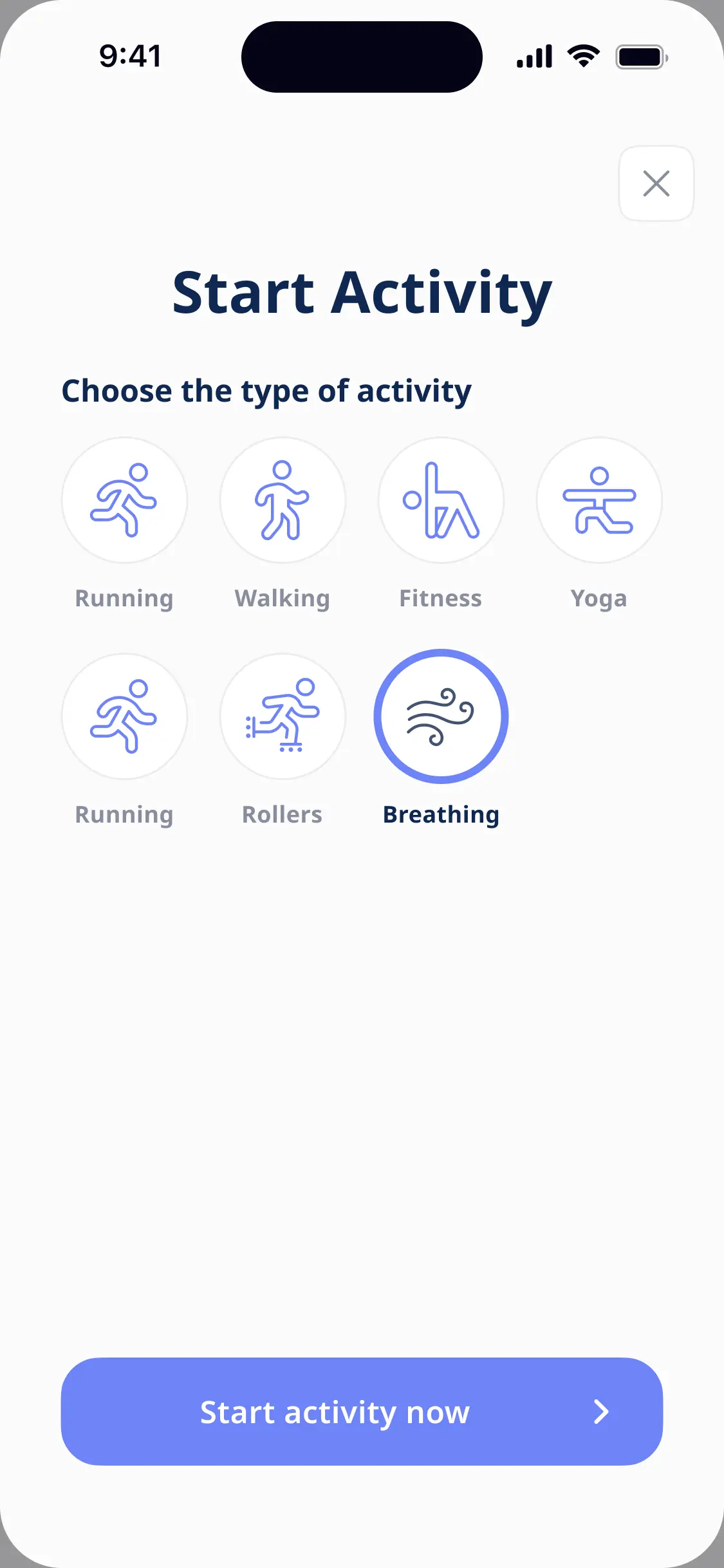
02 Pick an activity
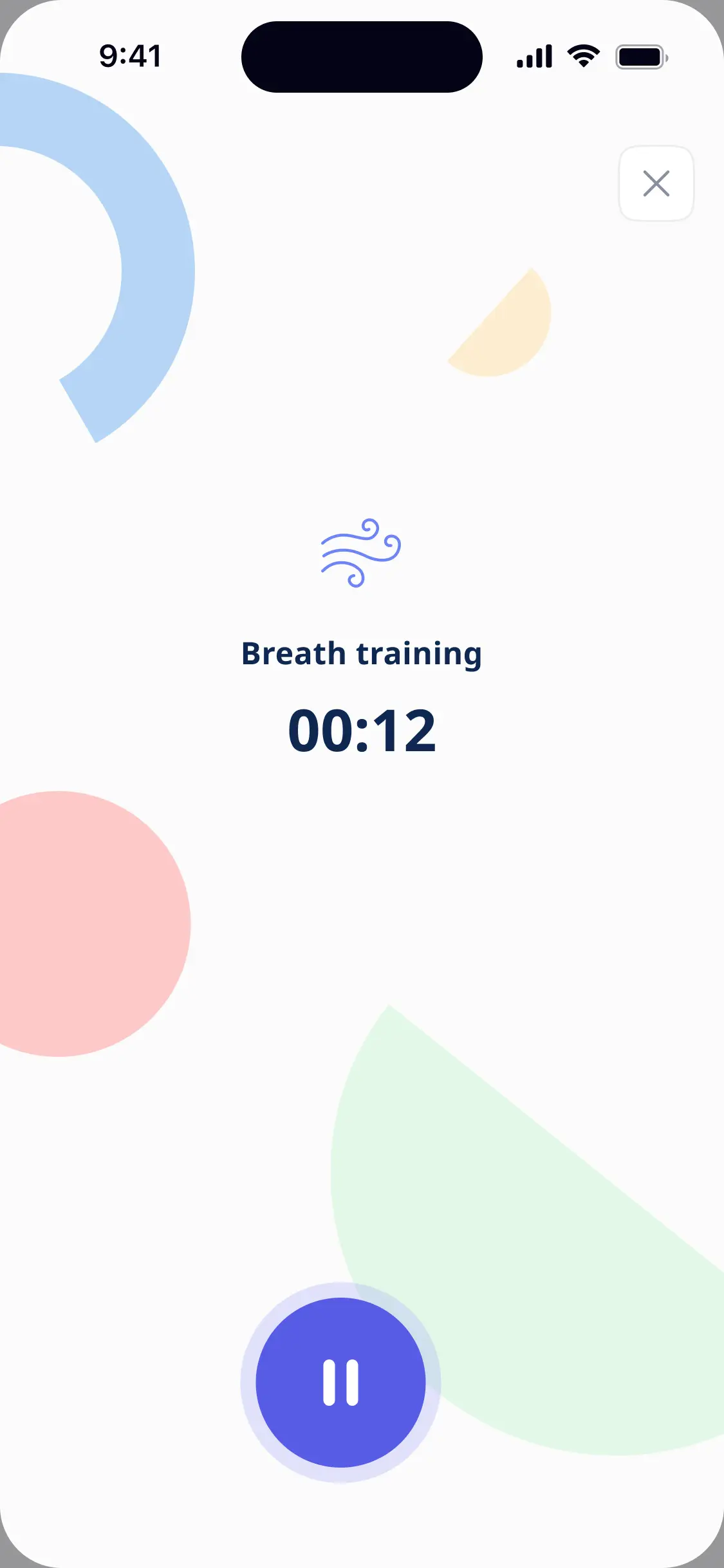
03 Breathe
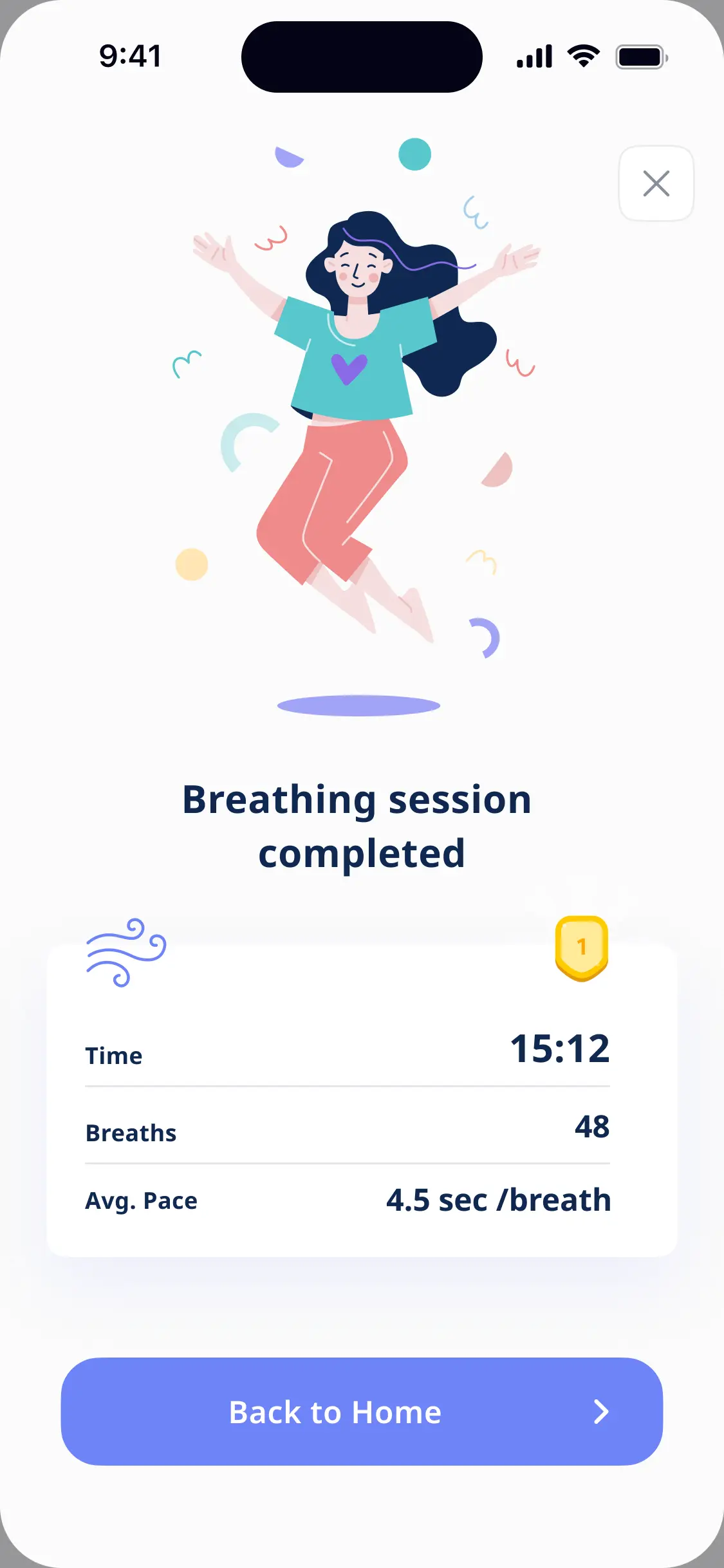
04 Done


- A reward, not a report. Finishing a session feels like a small win first.
- Three numbers. Time, breaths and pace. Nothing else to read.
- Back to the day. One button returns to today’s plan.
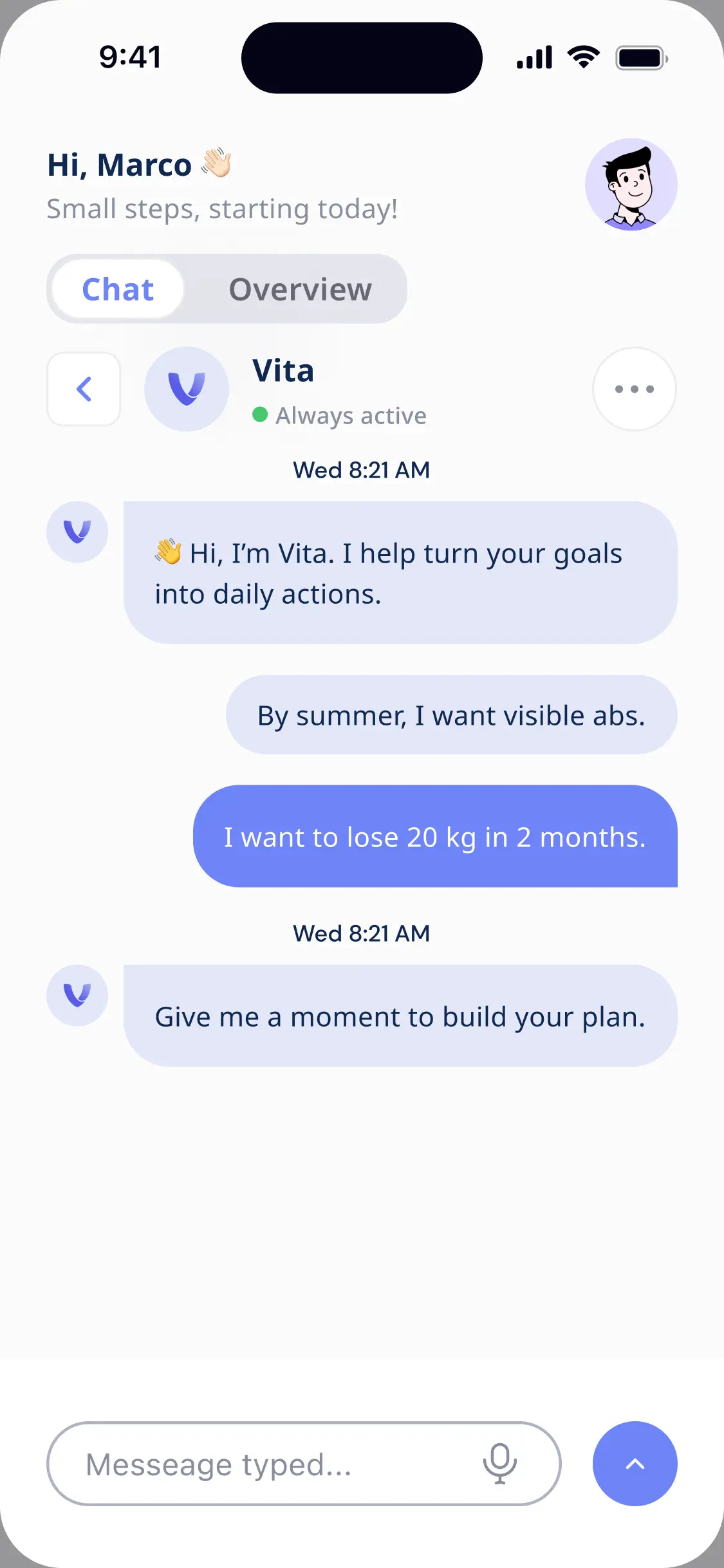
01 Say the goal
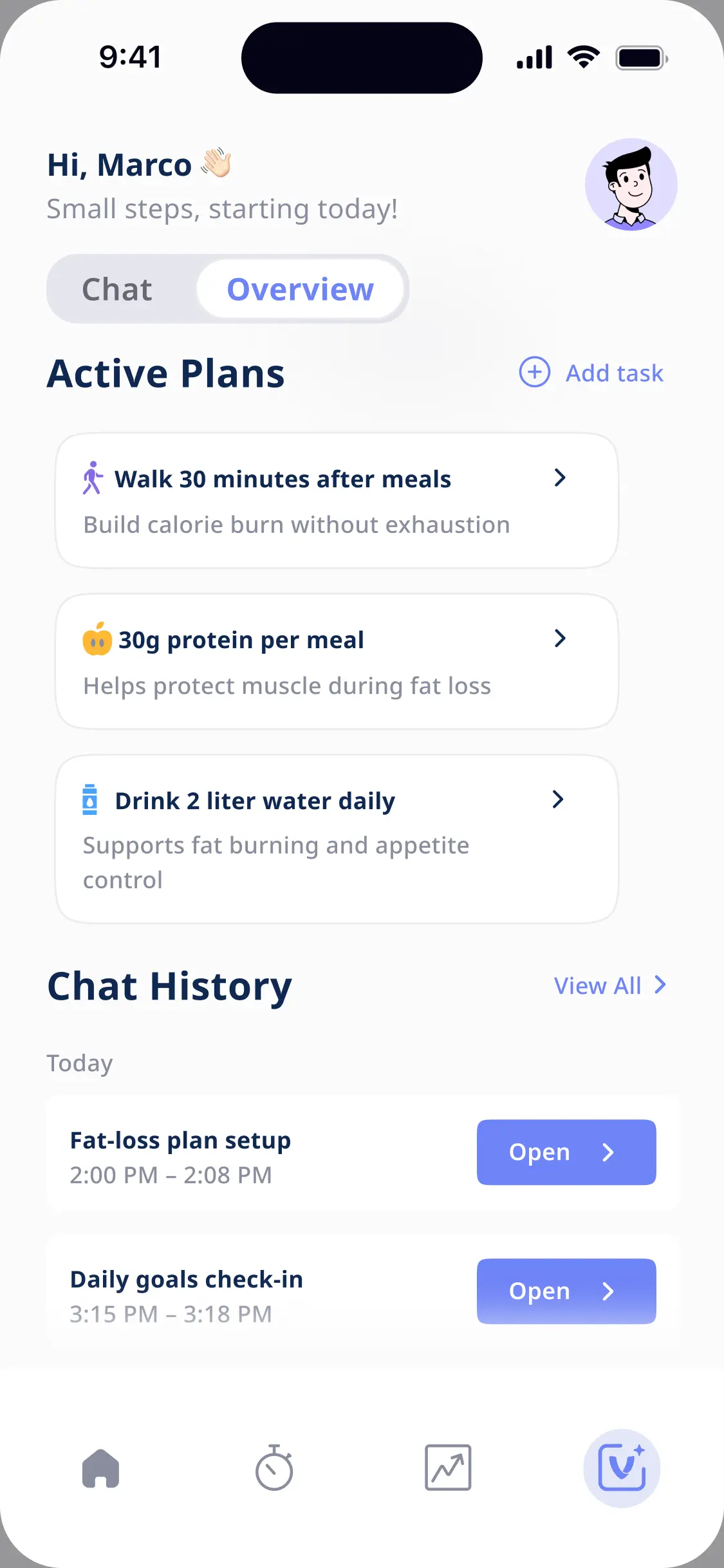
02 See active plans
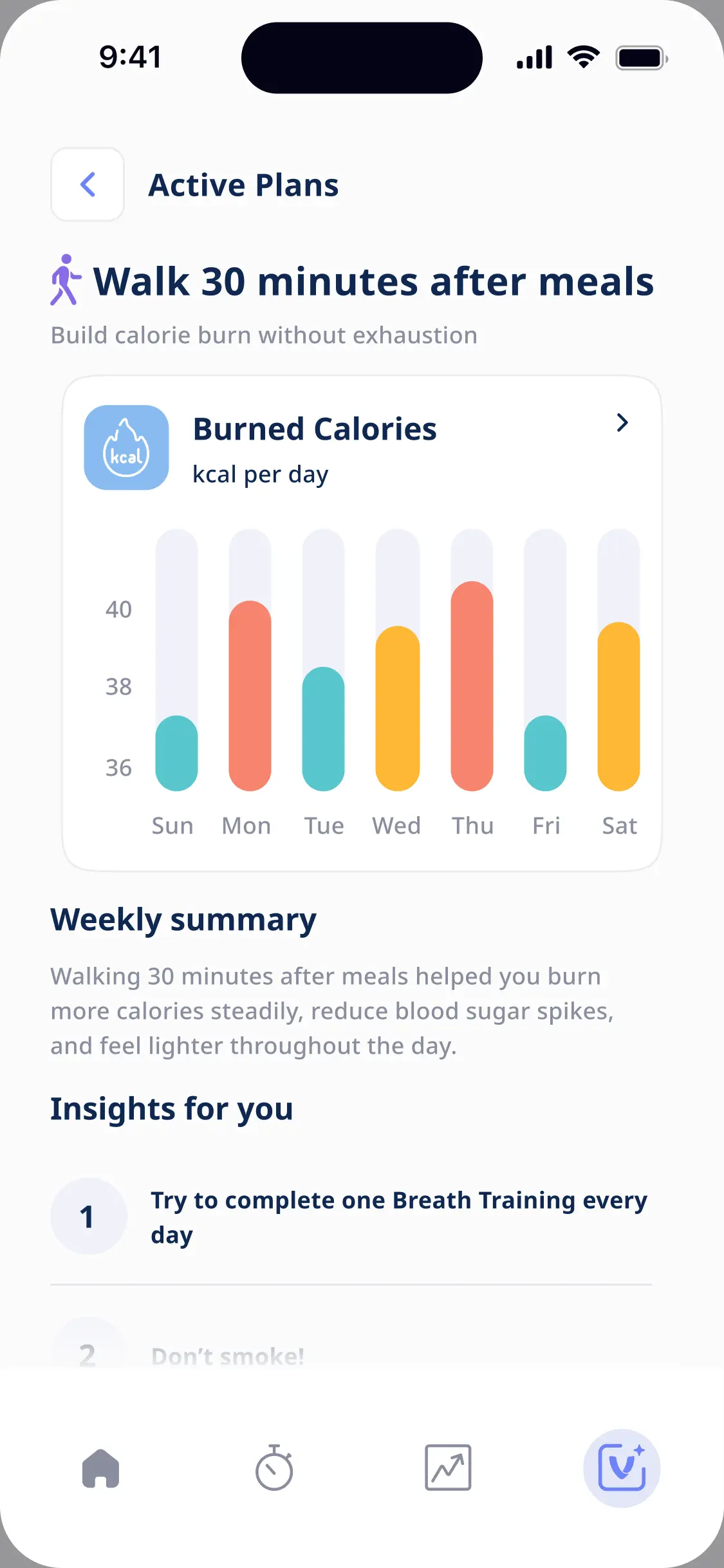
03 Track one plan


- One plan, one result. Each active plan tracks its own outcome, here calories from walking.
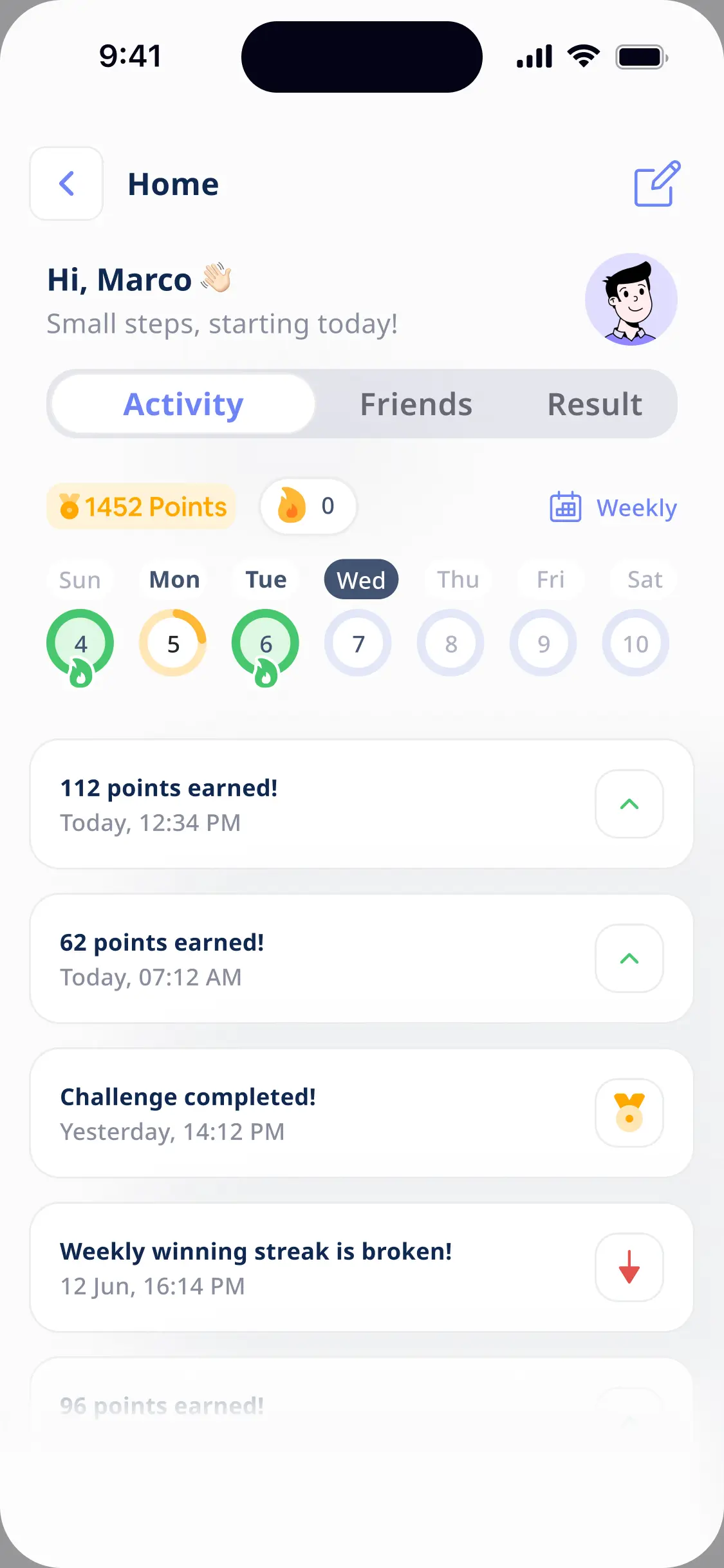
01 Activity feed
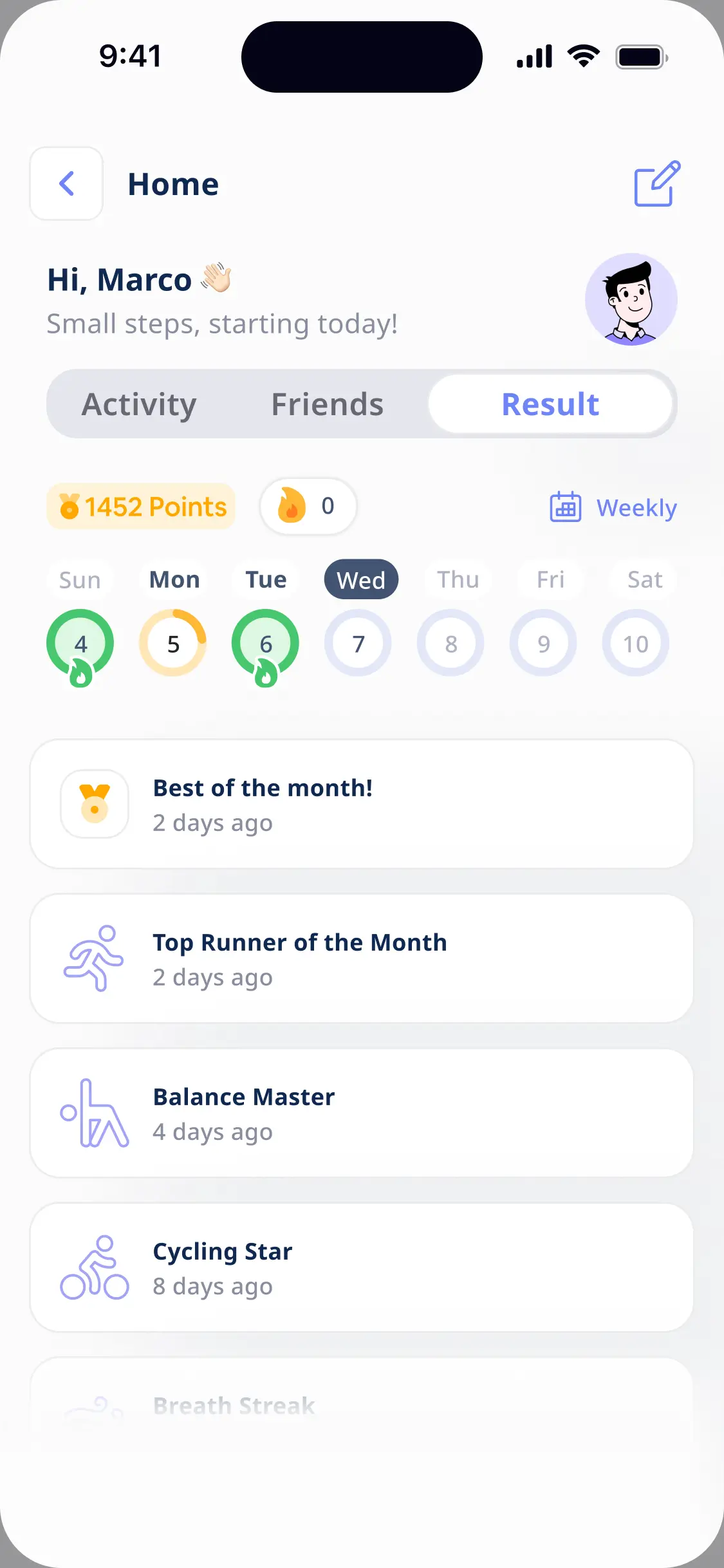
02 Badges


System
Rewards stay small and daily: points per mission, a ring per day, a flame per streak.

- Points for every mission. Small, frequent rewards instead of one far goal.
- Flames mark streak days. A missed day only breaks the flame, not the plan.
- Rings fill through the day. A half ring means missions are still open.
Outcomes
Vita plans for the user instead of judging them.
An end-to-end concept, from the first question to the daily loop.
Streaks, XP and a recovery flow for missed days.
Results
Missions per session
10
before closing the app, up from 3
Reflection
What I learned
Design for the bad day. The recovery flow mattered as much as the streak.
Give the hard part to the assistant. Planning is where people quit, so that is what Vita takes off their hands.